How It Works
Everything you need to know to get the most out of Gravity DMG.
The Gravity Workflow
From raw binary to professional release in three simple steps. Gravity DMG streamlines the entire distribution pipeline.
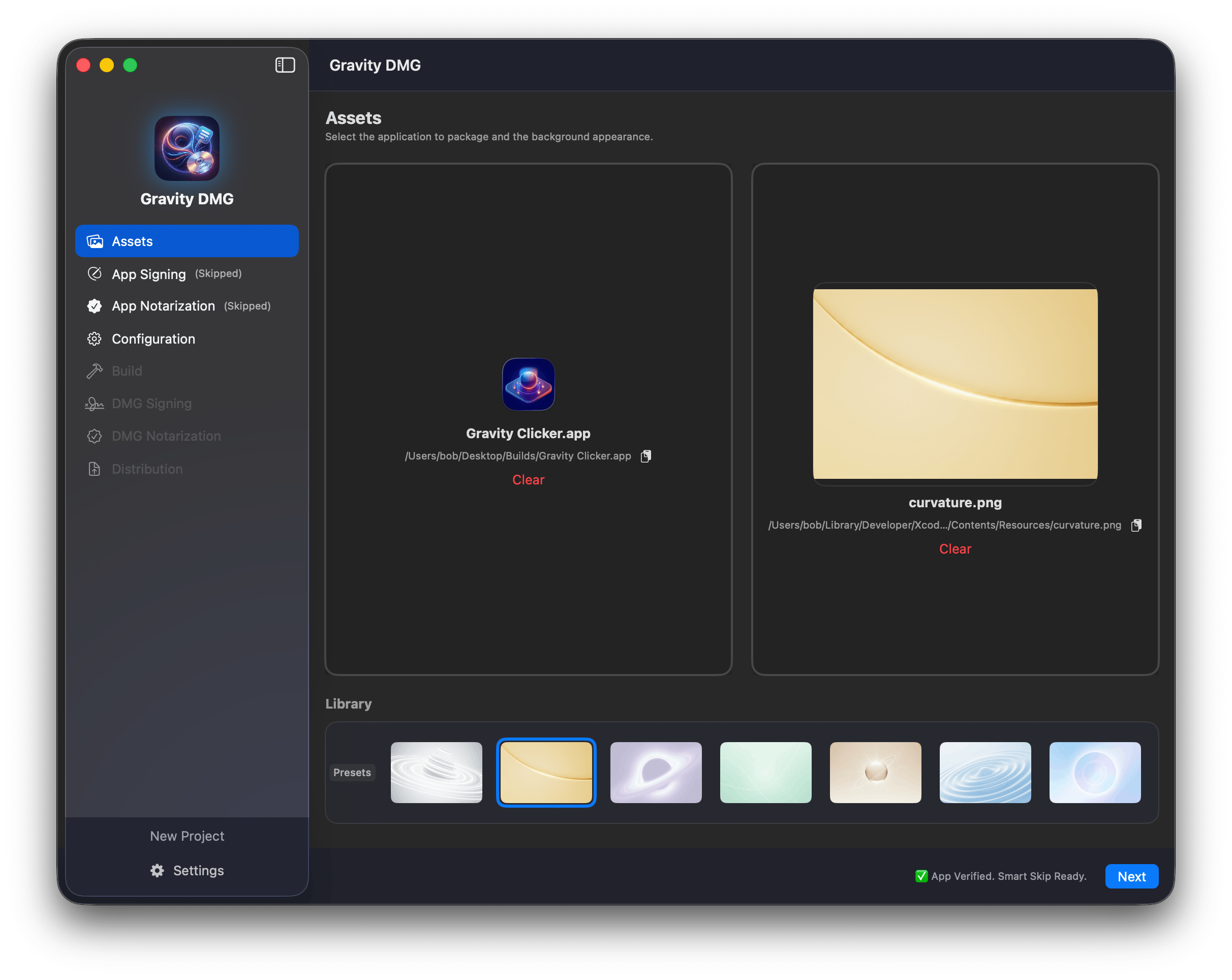
Visual Design
Start by curating your installer's look. Drag and drop your background assets, position your app icon, and arrange the layout exactly how you want your users to see it. What you see in the editor is exactly what they'll get.
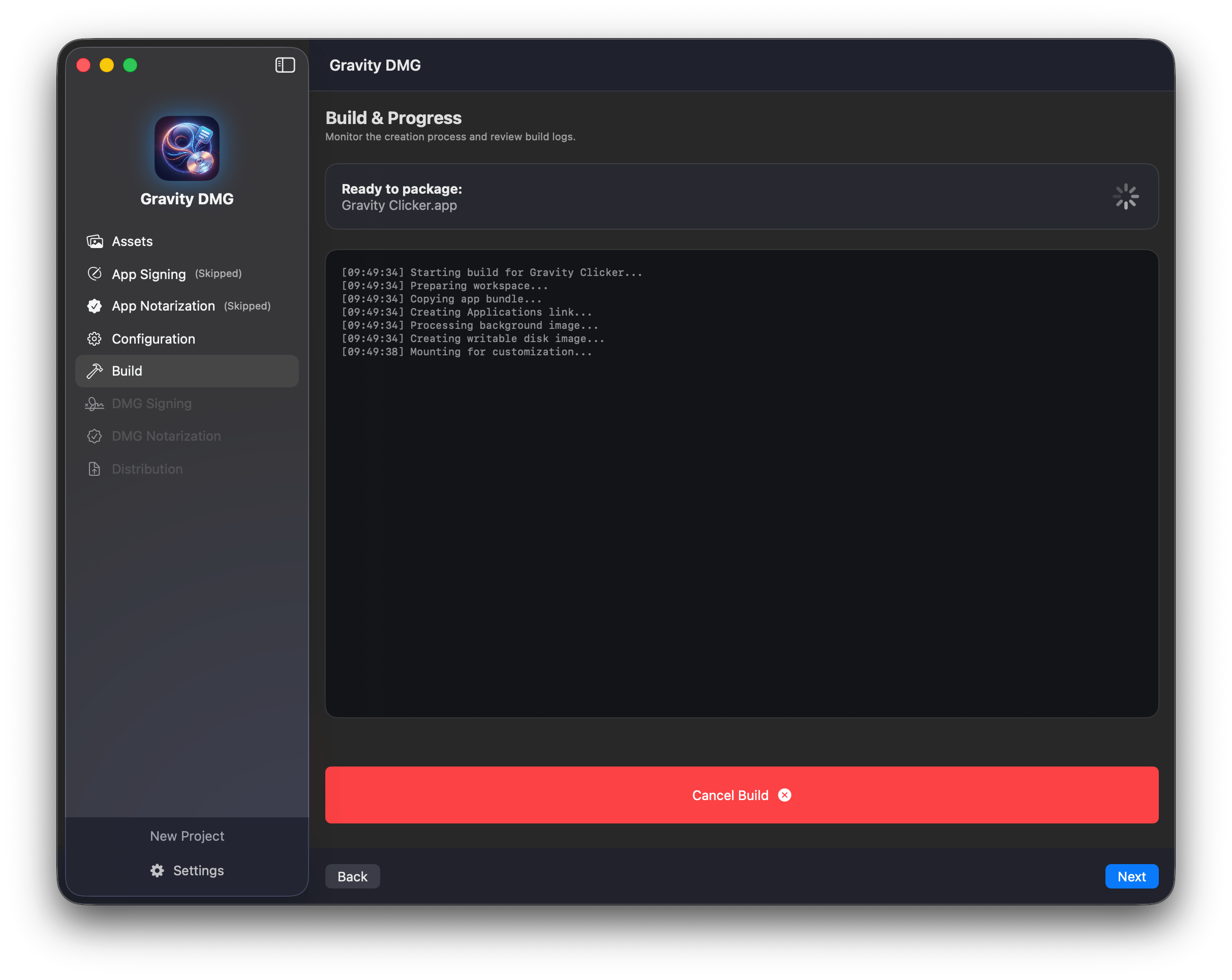
Smart Build
Configure your compression settings and let our engine take over. Gravity DMG handles the heavy lifting—creating the image structure, protecting your binary, and preparing the files for distribution.
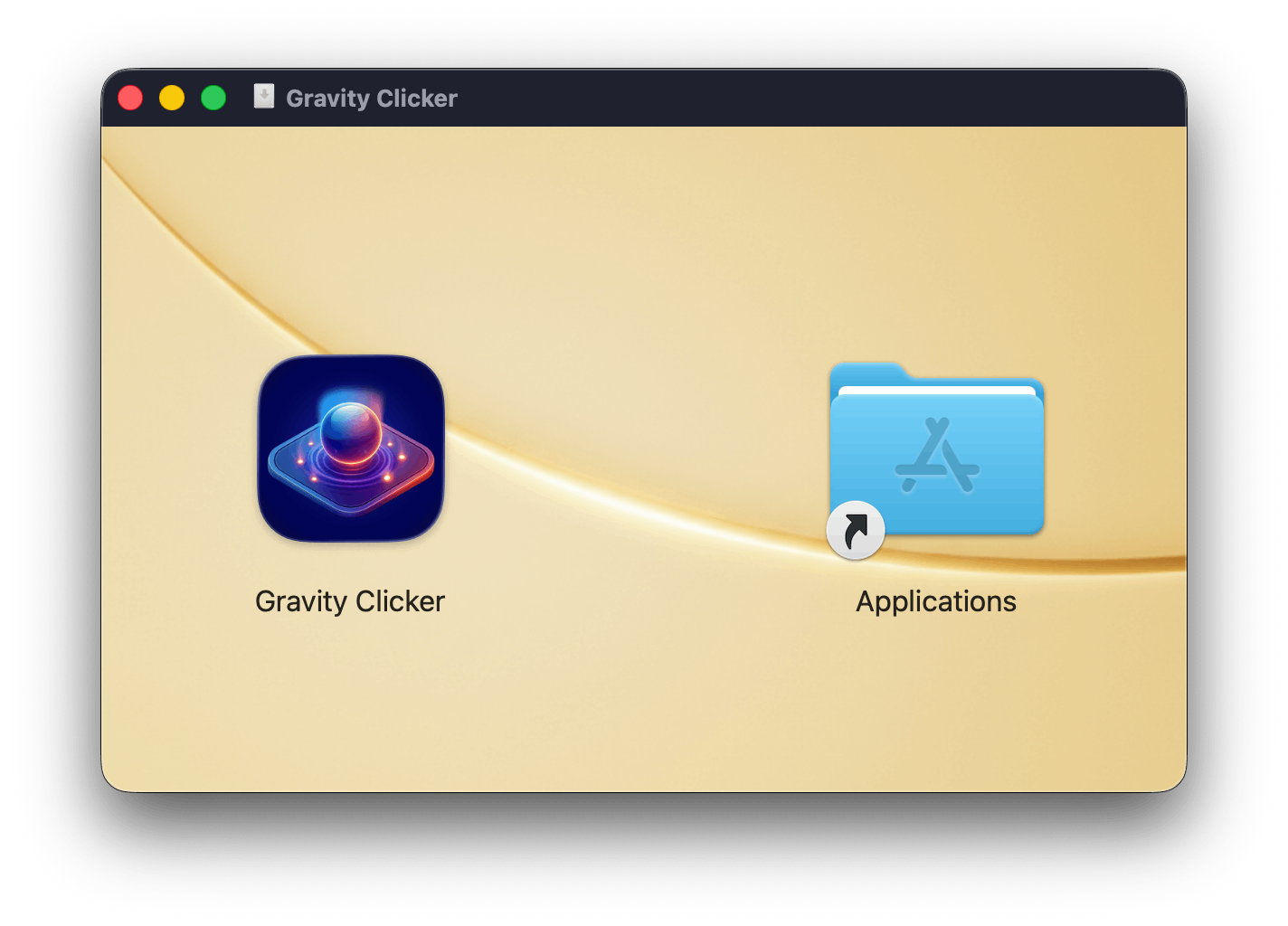
Ready to Ship
The result is a professional, signed, and fully notarized DMG file. Verified by Apple and ready for unlimited distribution to your customers across the globe.
Pipeline Details
A deep dive into every stage of the Gravity DMG signing and build process.
App Bundle Signing
Secure your application binary before it even enters the disk image. Gravity DMG automatically signs your .app bundle with your Developer ID, ensuring that the core executable is verified and tamper-proof.
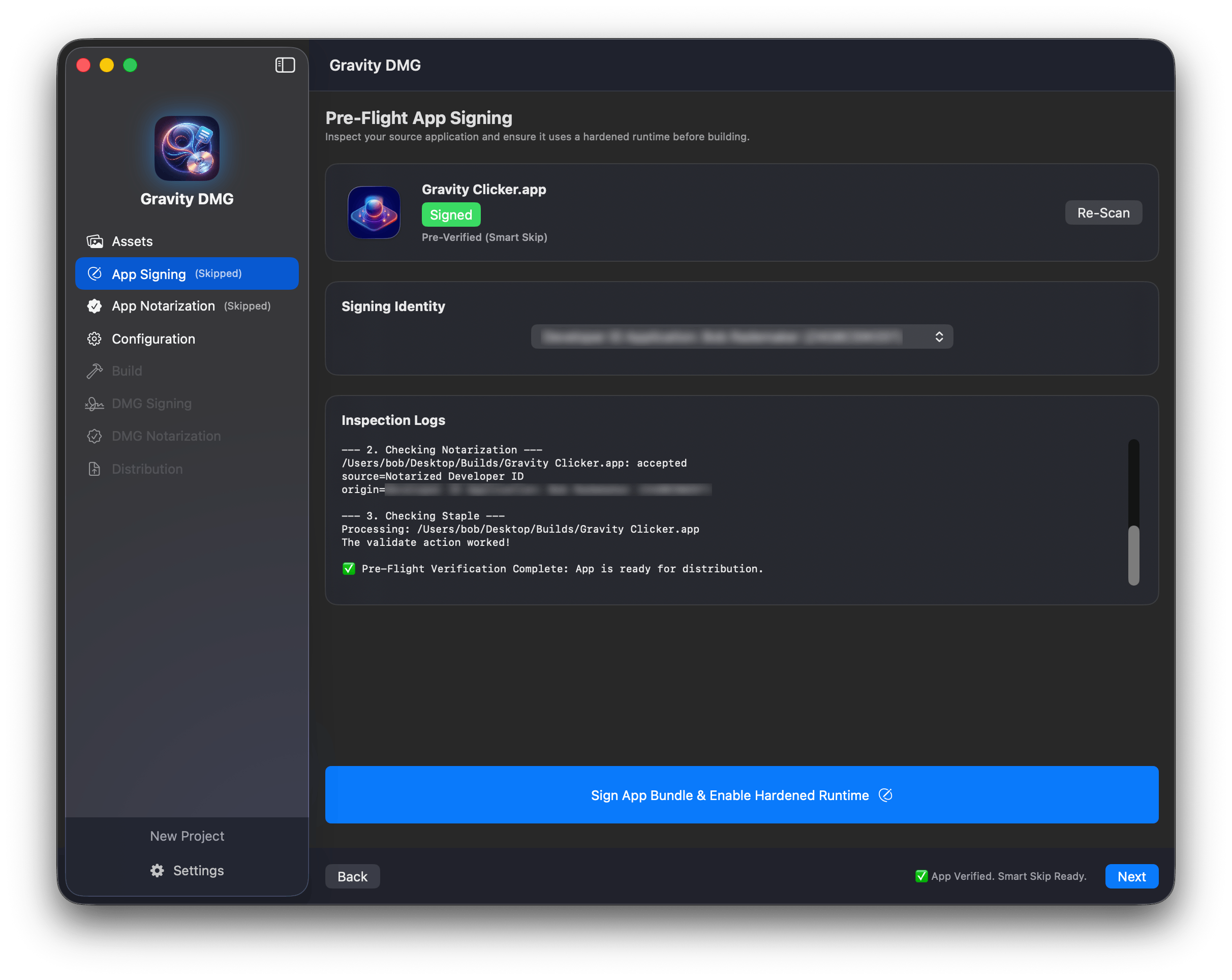
App Notarization
Submit your application to Apple's notary service directly from the pipeline. This pre-check ensures that your app bundle itself is clean, valid, and ready to run on macOS, even before it's packaged.
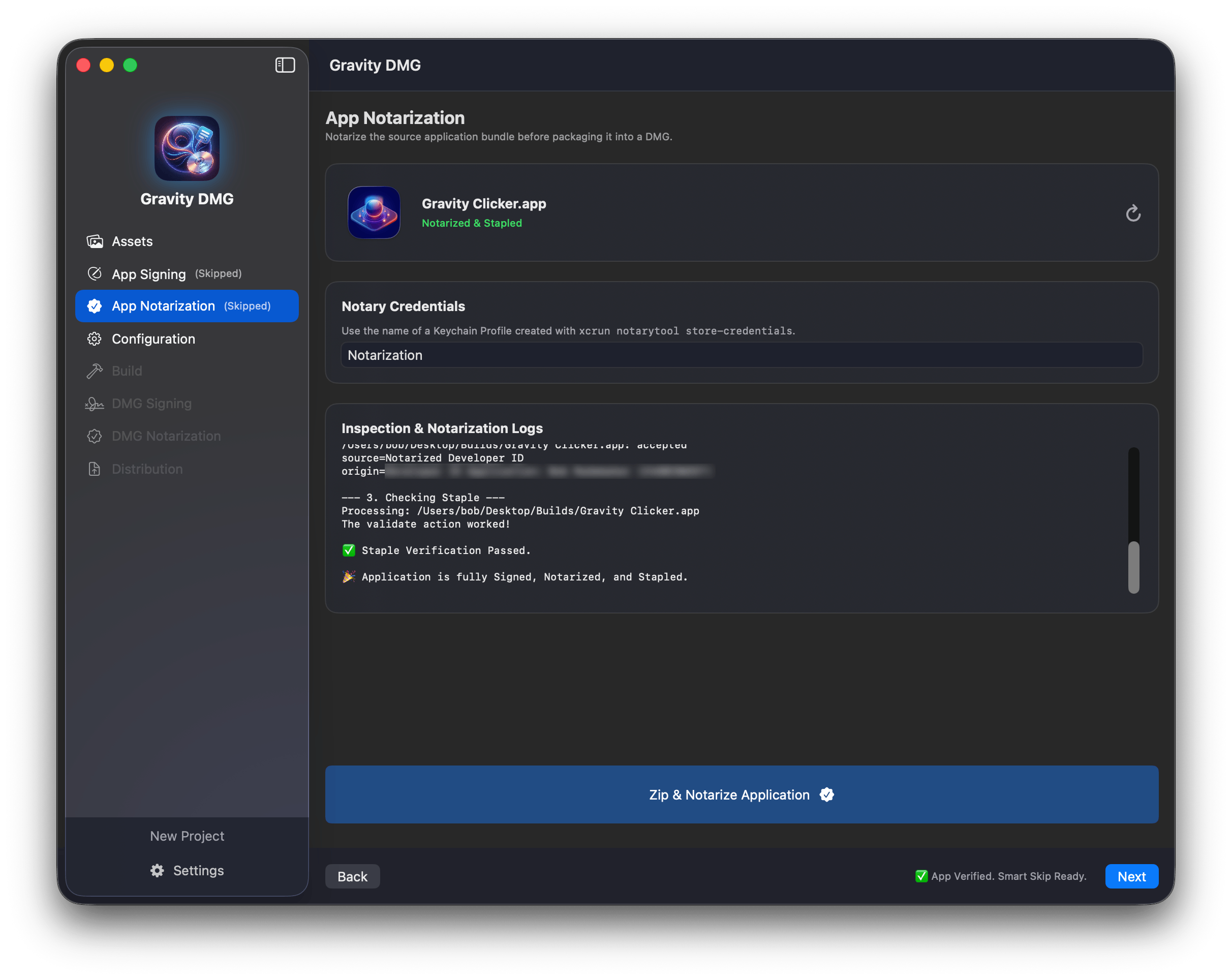
Project Configuration
Fine-tune every aspect of your build. Set custom volume names, choose your compression algorithms, and manage your signing identities all from a single, intuitive dashboard.
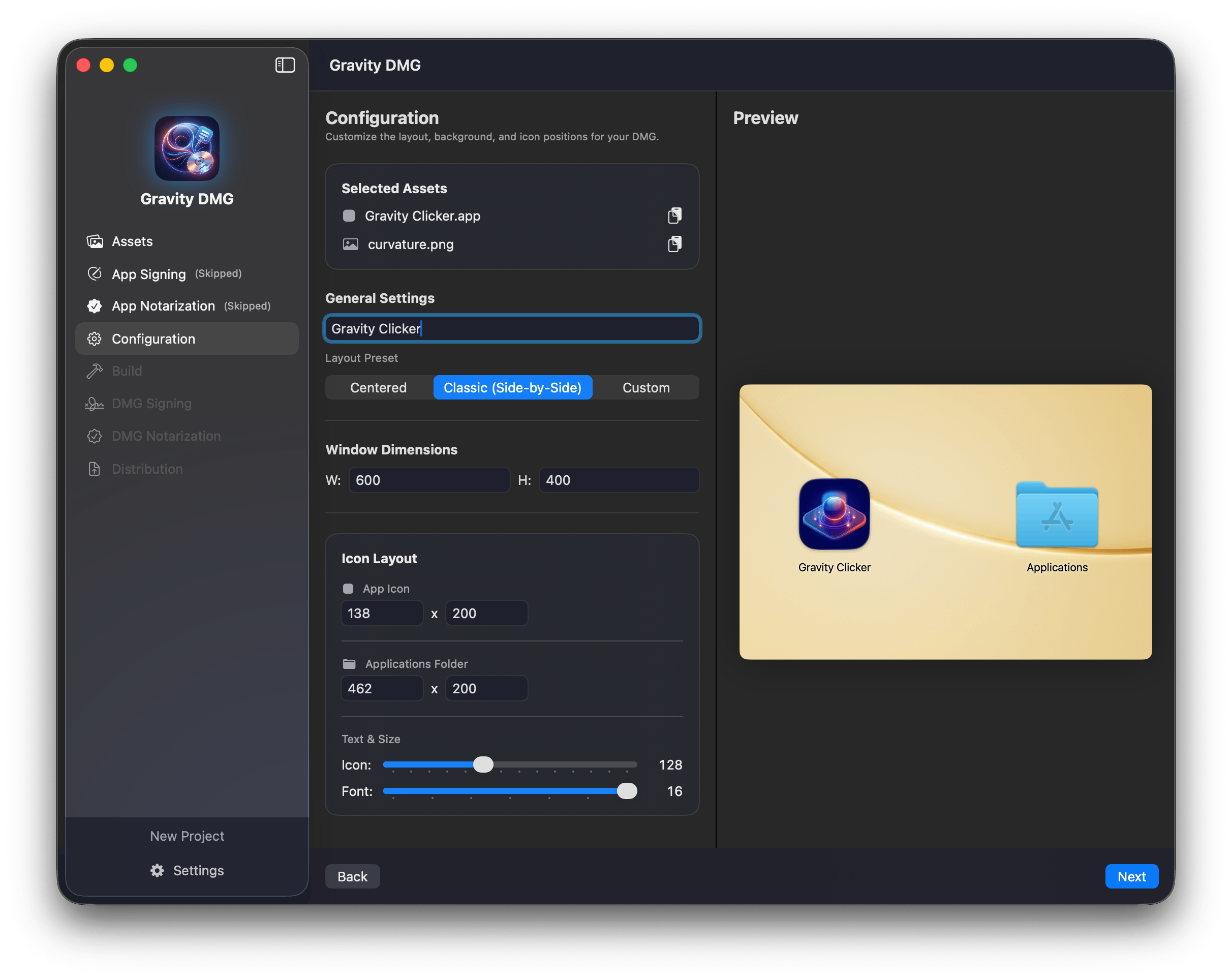
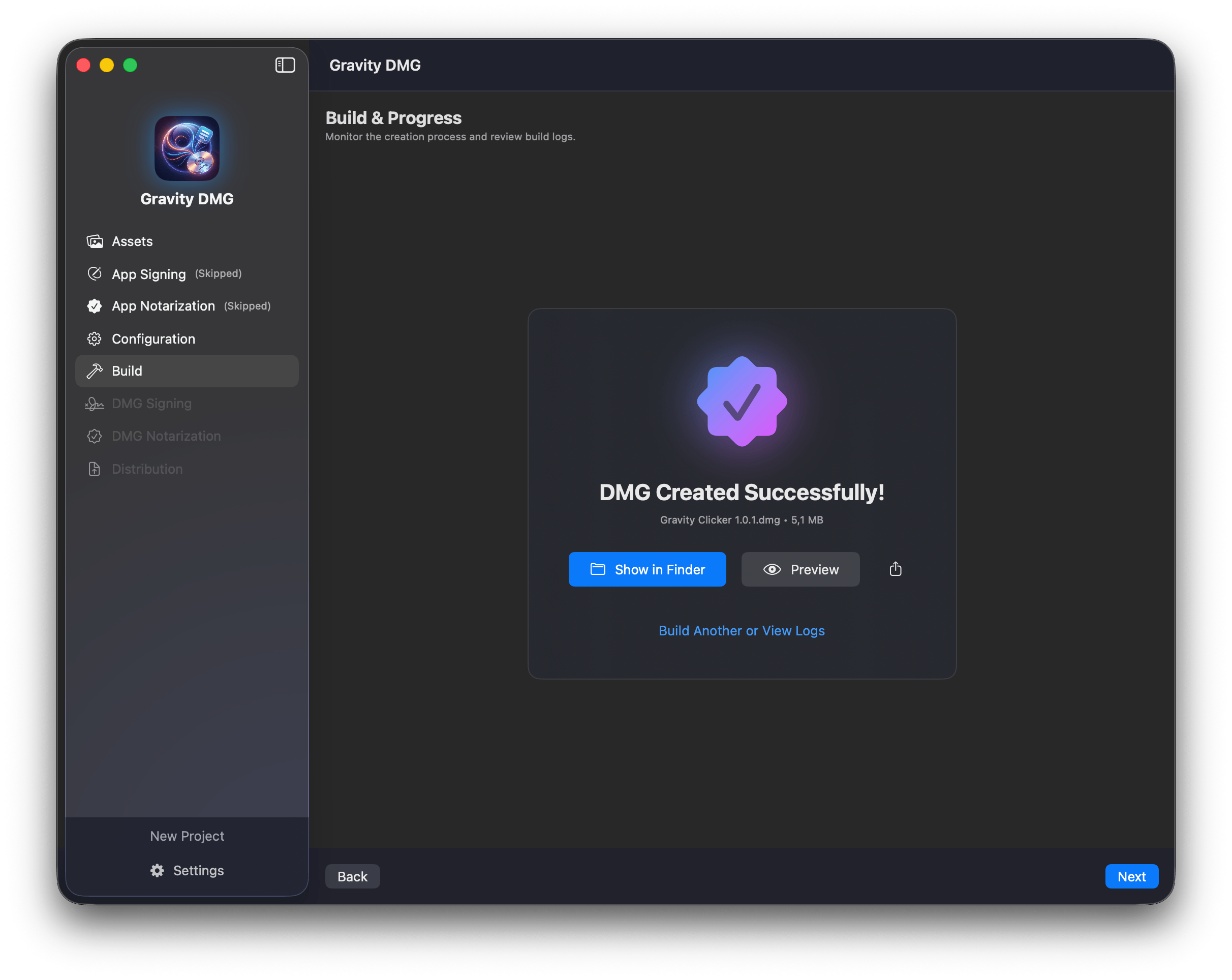
Build Success
Get instant feedback on your build status. Our engine verifies the integrity of the disk image structure and confirms that all assets are correctly placed before moving to the final security stages.
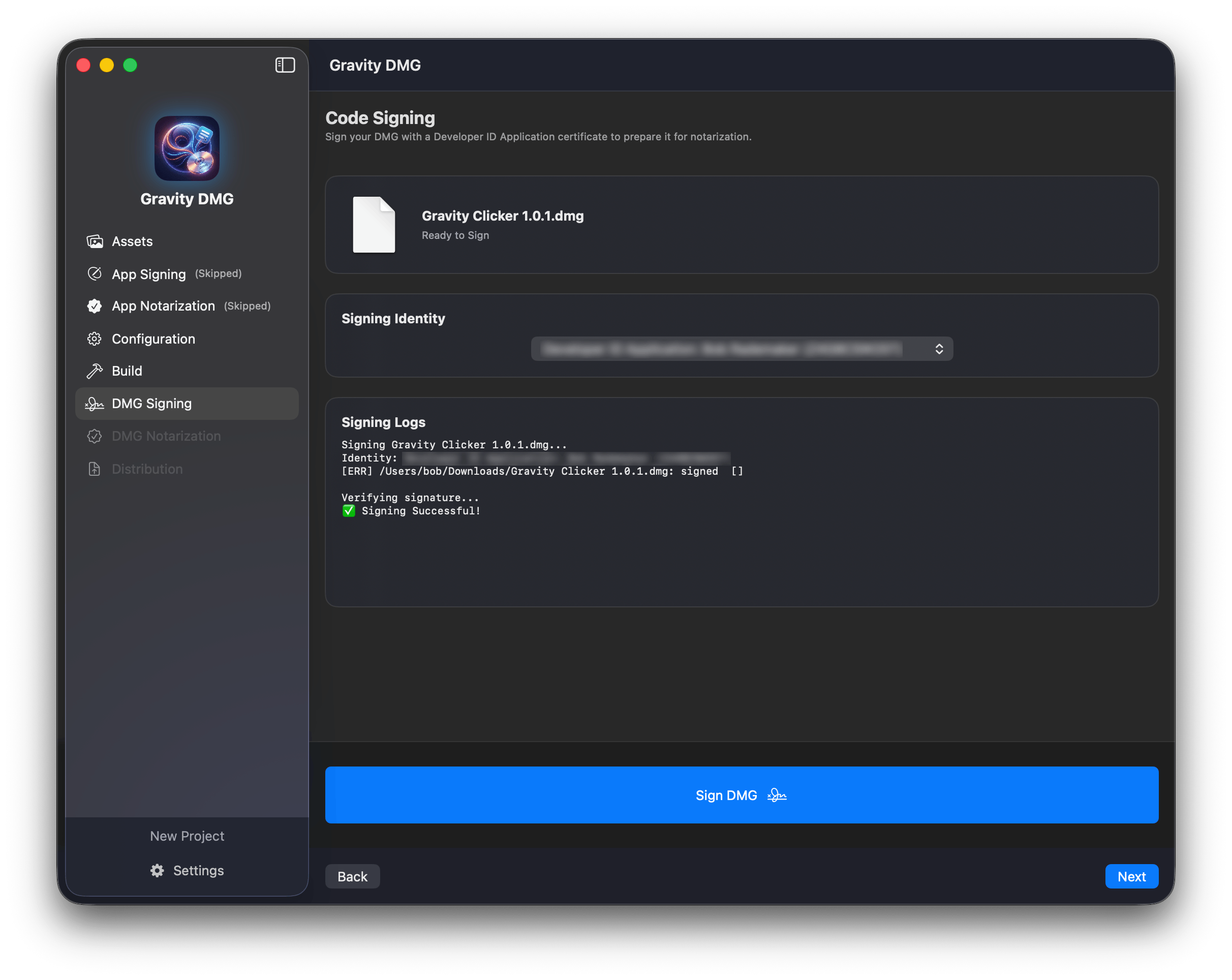
DMG Signing
Double-seal your software. After creating the disk image, we apply a second signature to the DMG container itself. This critical step ensures that the container hasn't been modified in transit.
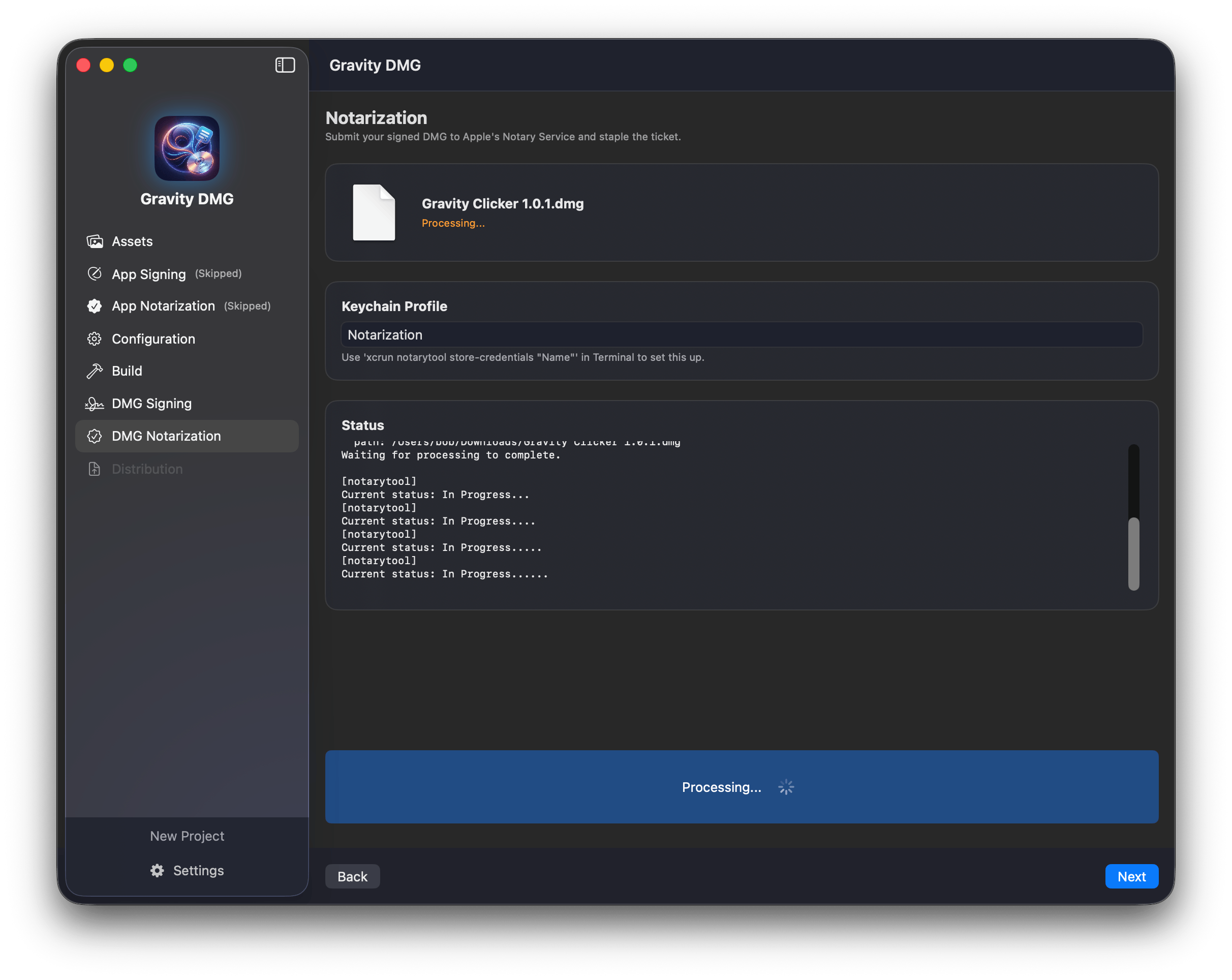
DMG Notarization
The final seal of approval. The signed DMG is submitted to Apple for a comprehensive security check. Once approved, the ticket is stapled to the image, allowing it to run offline and on Gatekeeper-enabled Macs.
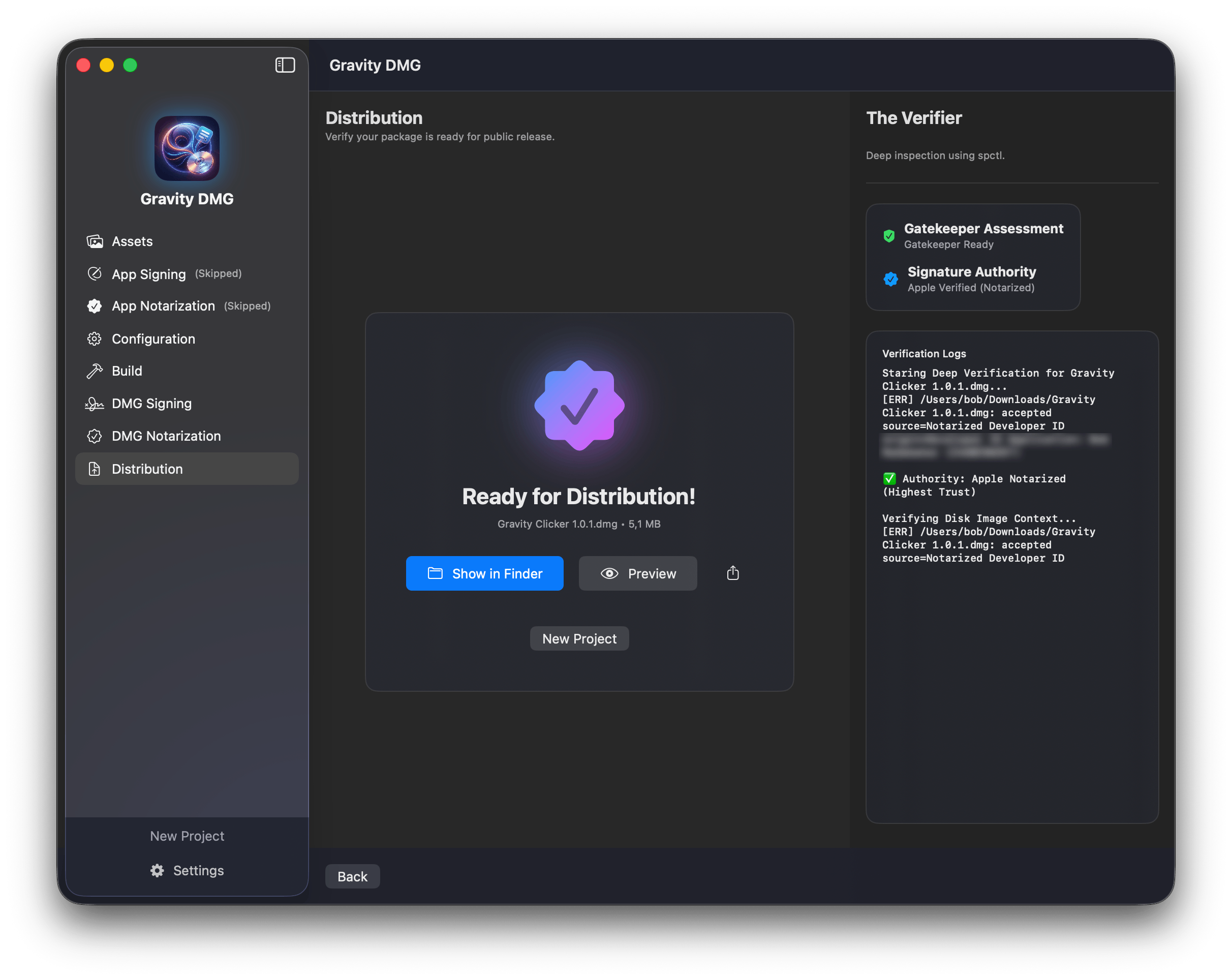
Ready for Distribution
Export your masterpiece. The final artifact is a highly compressed, professionally branded, and fully authorized DMG file that you can host on your website or distribute via any channel with confidence.
Still have questions?
We are here to help. Reach out to our support team for any technical issues or feature requests.